Skyward Family Access is Live Again
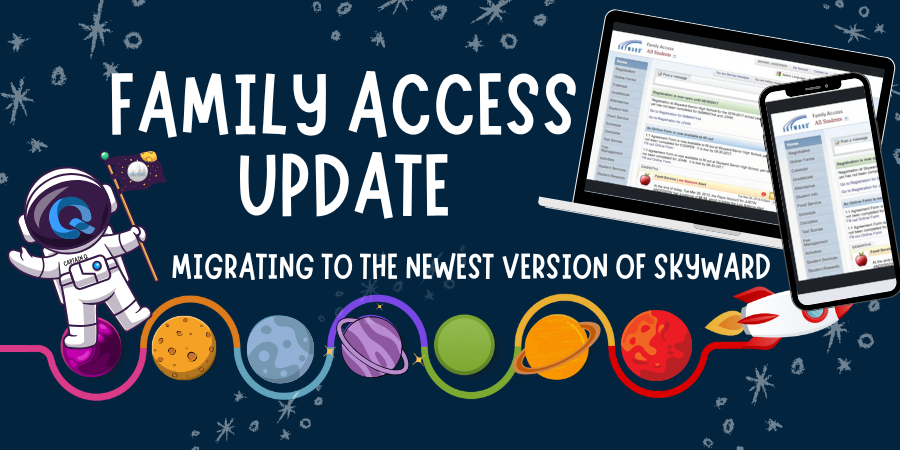
Our district has been working on a major information system upgrade: transitioning from Skyward SMS 2.0 to Skyward Qmlativ ("New Skyward"). After completing the majority of our migration over the Mid-Winter Break, Skyward Family Access is now live again.
Many families use Family Access through Skyward to view their student's lunch account, grades, attendance, discipline, and more.
Family Access Login
Food Service Payments
We are still working on the functionality of food service payments at this time. We will provide families with an update when the system is available to accept payments.
Skyward mobile app users: action required
For staff, families, and students who have the Skyward mobile app already installed, the app must be configured for Qmlativ.
Configuration Instructions
Your Skyward Login ID was provided to you when enrolling your first student in the Enumclaw School District. Your password was also chosen at this time. Occasionally, Skyward may ask you to choose a new password to keep your account secure.
Need to install the app? Download the "Skyward Mobile Access" app from either the Apple App Store, or Google Play.
Forgot your Login ID or password
Go to the Skyward login page and select “Forgot your Login/Password?”
Enter your email address and complete the CAPTCHA (human verification).
Watch for an automated email with reset instructions.
If you do not receive the email within 5 minutes, please contact your child’s school to confirm the email address on file.
For more information about Skyward Family Access, please visit our website: https://enumclawwa.sites.thrillshare.com/o/esd/page/family-access
For any other questions related to your Family Access account, please contact your school.